oneReview platform
Process corrections quickly.
The central platform for efficient national corrections and reviews.
oneReview simplifies and speeds up review processes by providing centralised access for everyone involved, transparent workflows and the integration of translation memories and terminology data. Specialist departments, country offices and reviewers can easily check texts in a browser or directly in the final layout – efficiently, consistently and transparently.
Our certifications:



oneReview from oneword offers the following benefits:
- Review directly in the original layout – browser-based and without disrupting workflows
- Intuitive operation requiring no prior knowledge or installation of additional software
- Integration of relay languages for assessment by international reviewers
- Centralised, real-time access to documents with commenting and annotation features
- Traceable changes through colour highlighting and the integrated Track Changes function
- Flexible correction workflows with role assignments and automatic notifications
- Integration of corporate terminology and translation memories to ensure consistent translation output
- Versatile – can be used as a stand-alone solution, in combination with TM tools such as Trados, Across and MemoQ, or as part of oneSuite
Professional corrections with oneReview
As soon as multiple people are involved in the translation process, proofreading cycles can quickly become disorganised. Changes get lost, feedback is scattered across different files, and final verifications are delayed. This is time-consuming, especially for professional international translations, and increases the risk of nonconformities.
Common problems include, for example:
- No standardised final verification and review processes for all parties involved
- Lack of an overview of revision statuses and versions
- Inefficient coordination via PDFs, Word files or e-mails
- Repeated implementation of changes to identical content
- No access to terminology or translation memories
- Very little transparency regarding changes made and responsibilities
oneReview makes correction and approval processes much easier and quicker. Translators work directly in the browser, check translation output using a real-time preview of the target file and automatically verify compliance with terminology and other guidelines.
With oneReview, companies can:
Would you like to try out oneReview? Then book an appointment for a live demo or let our experts advise you on all the benefits of oneSuite.

How oneReview works:
1
Translation using a CAT tool
The content is translated in the CAT tool as usual. All translation memories, corporate terminology and existing processes are retained.
2
The review project is set up and automated
The review workflow is set up on a case-by-case basis. Roles, approval steps, notifications and the order of checks can be defined flexibly.
3
Notifications sent to responsible parties
Reviewers and specialist departments are automatically notified and given direct access to the relevant content in their browser. The project is ready to go straight away.
4
Correction and final verification
Corrections are made directly in the final layout. Changes, comments and feedback are recorded centrally and can be traced at any time. Review and approval steps are documented in the change history.
5
Uploading the corrections back to the TM and delivering the final file
All approved changes are automatically incorporated into the translation memory and applied to the final file. This ensures consistent translation output over the long term that can be reused efficiently.
Use oneReview either as a stand-alone professional review platform or as part of the oneSuite language technology platform to ensure efficient, centrally managed translation and quality assurance processes.
What is oneSuite?
oneSuite is a browser-based all-in-one solution for professional language management.
It combines the traditional functions of a computer-aided translation tool with smart artificial intelligence components, terminology management, team-based review features and more – offering flexible combinations, intuitive operation and data security.
Our language technology platform comprises five components that cover the entire translation process and ensure streamlined workflows, lower costs and consistent quality.
Discover the possibilities of oneSuite
Would you like to find out how oneSuite can make your translation processes more efficient and secure? Then please feel free to get in touch with us. Our experts will be happy to show you how to make the best use of the platform and its components within your organisation.

Brochure: Our language technology platform sets new standards
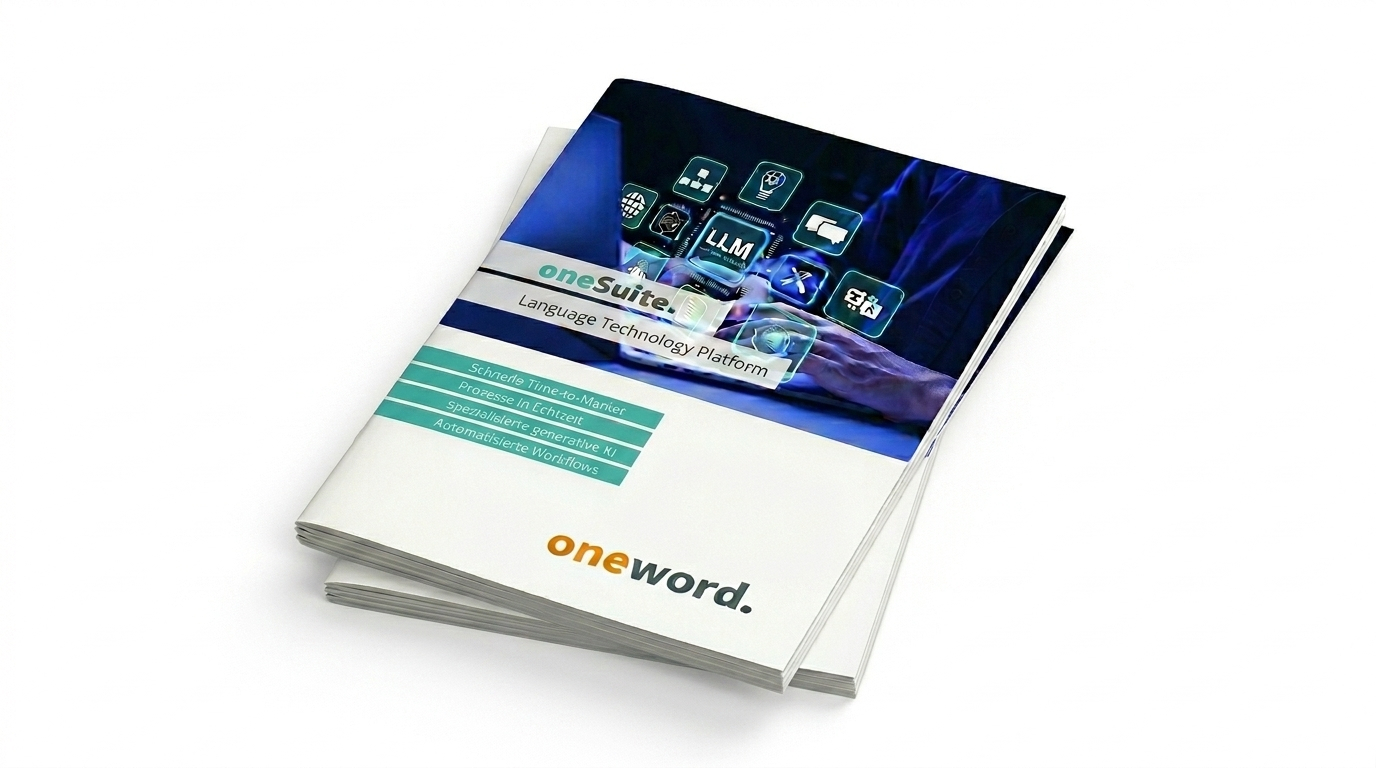
The all-in-one solution, oneSuite, offers you everything you need for successful and future-proof translation processes – all integrated into a single platform. Download our brochure now to learn more about the individual components.
FAQs
What are the benefits of oneReview?
oneReview enables efficient and transparent correction and approval processes for translation output. Reviewers work directly in the browser, using the original layout, with comments, amendments and a real-time preview.
Thanks to the integration of computer-aided translation, translation memories and terminology management, corrections are applied consistently and sustainably. The whole process is rounded off with flexible workflows, automatic notifications and relay languages.
Which files and file formats does oneReview support?
oneReview supports all the most common file formats are suitable for translation output, including XML, InDesign, FrameMaker, HTML, MS Office, and video files with subtitles.
Can oneReview be integrated into existing translation processes?
Yes, oneReview integrates seamlessly with existing computer-aided translation tools and workflows, such as Trados/RWS, Across, MemoQ, etc., and can be used either as a stand-alone application or as part of oneSuite.
How does the review process work with oneReview?
The review process begins with the translation output in the computer-aided translation tool, integrating translation memories and terminology. A flexible and automated review workflow is then set, including roles and final verification.
Reviewers are automatically notified and can make corrections directly within the final layout in their browser. The changes are then fed back into the translation memory and the final file is created.
Is oneReview included in the all-in-one oneSuite solution?
Yes, oneReview is one of the five components of our language technology platform, oneSuite. However, the solution is also available as a stand-alone product.
When used in combination with the oneAI, oneCAT, oneTerm and oneTranslate modules, it covers the entire translation process – all via a single platform.



Let’s discuss your next project!
Please use our contact form or give us a call:
Make an appointment now: